A web app that frames your photos with their shooting details
f/1.8 · 15 s · ISO 3200Frame the night,
settings and all.
Pick a photo and Fuchidori reads the camera, lens and exposure, then sets them in small type in the margin. Choose a ratio and a colour, save, and post. It runs in your browser, so there is nothing to install and no account to make.
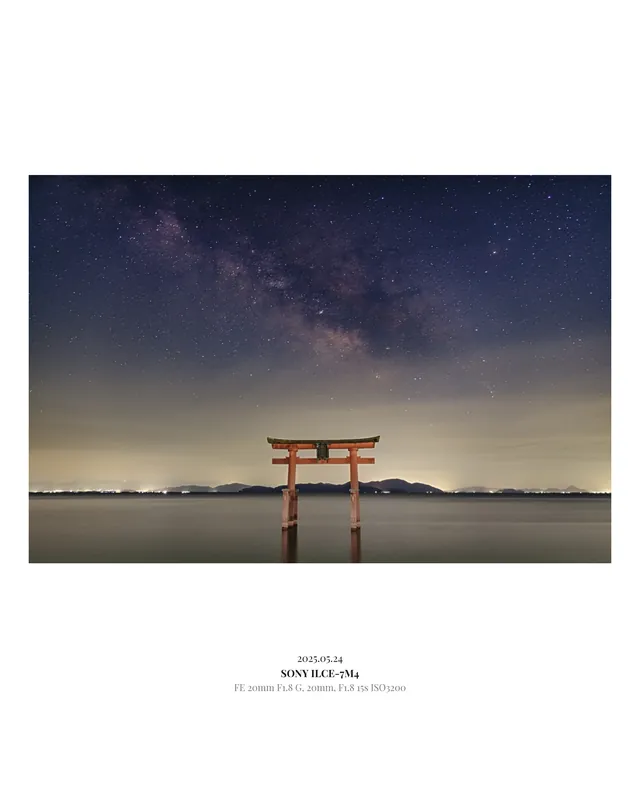
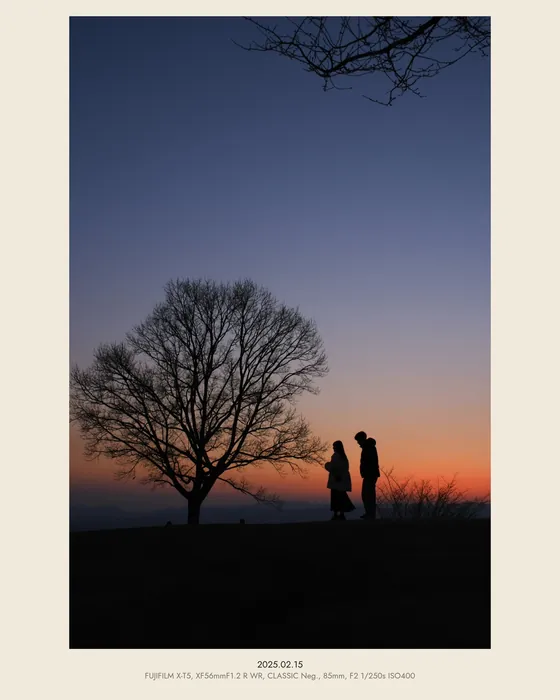
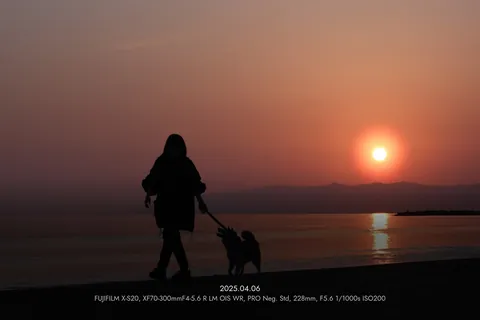
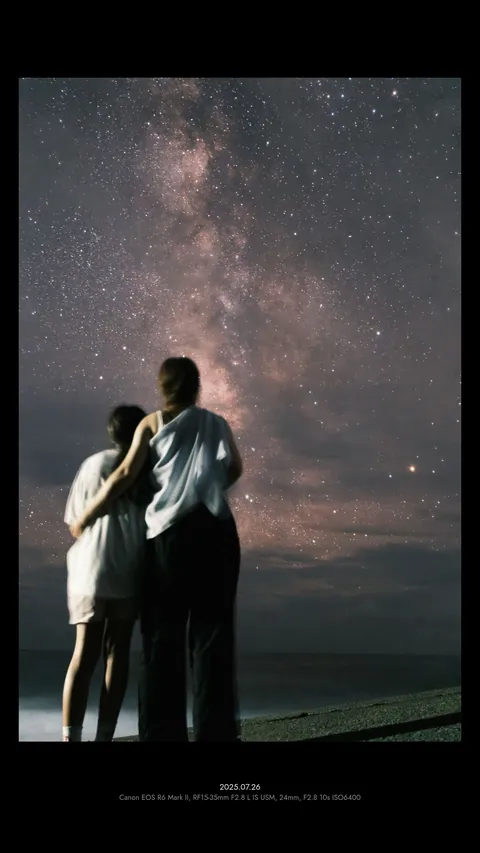
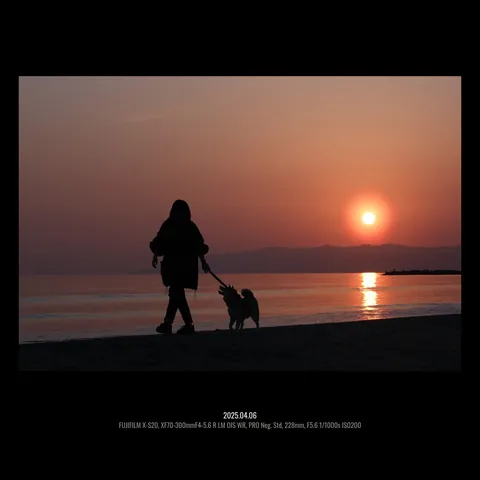
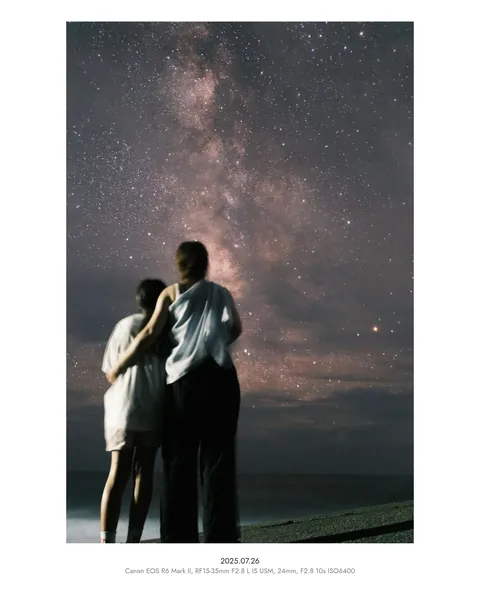
It reads what your camera recorded and sets it in three lines
Date, camera, lens, focal length, aperture, shutter speed and ISO come straight from the file. Anything missing can be typed in on the spot.
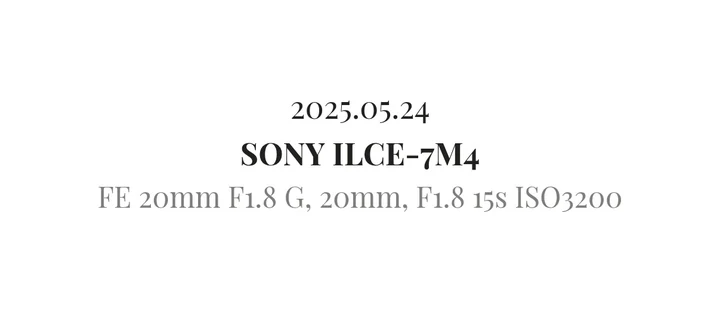
| Line 1 | Date six formats, e.g. 2025.05.24 |
|---|---|
| Line 2 | Camera set in bold |
| Line 3 | Lens, focal length, aperture, shutter speed, ISO |
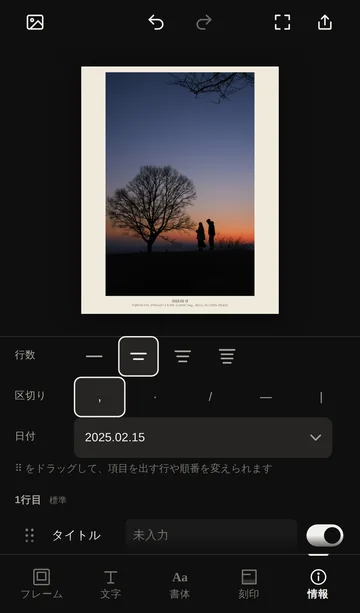
For FUJIFILM photos it also reads the film simulation (CLASSIC CHROME and so on). Drag items between lines to rearrange them, and use one to four lines.
Straight out of camera, then framed
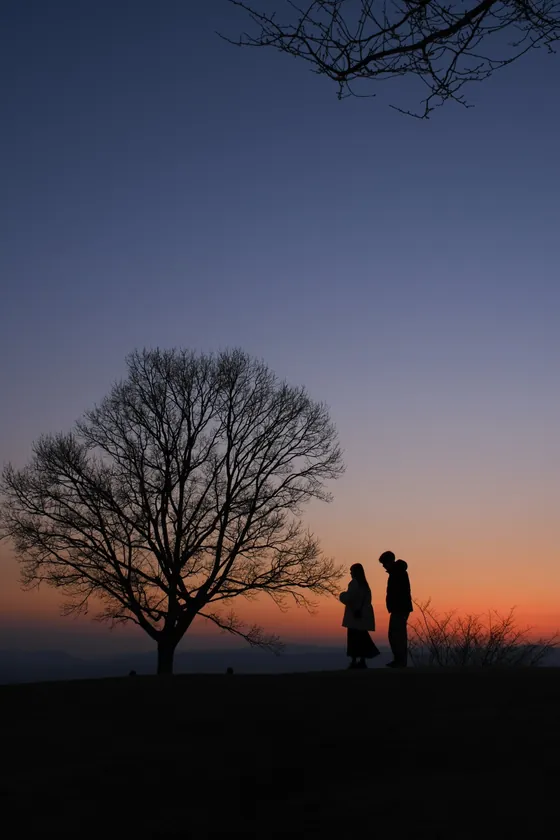
Same photo, different frame, different mood
Eight ratios, nine background colours and fourteen type styles. Set the margin to none and the caption sits on the photo itself.
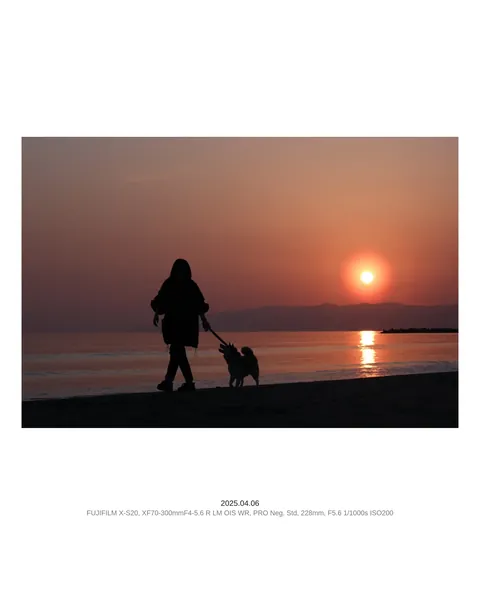
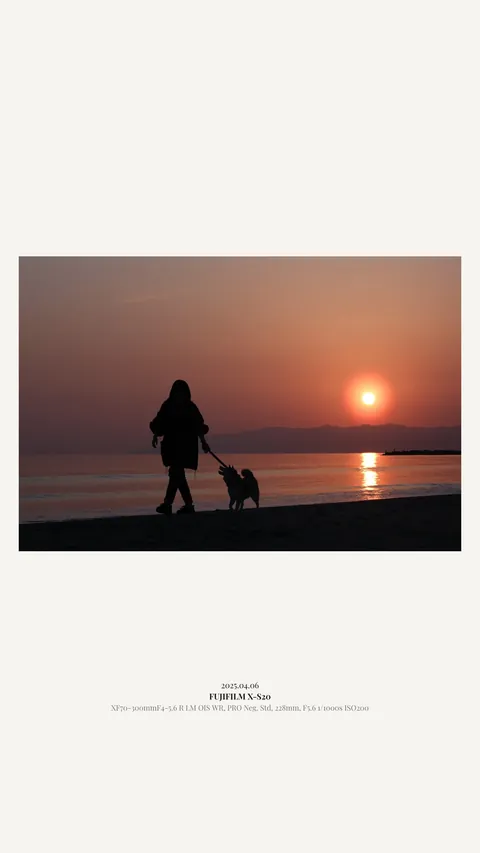
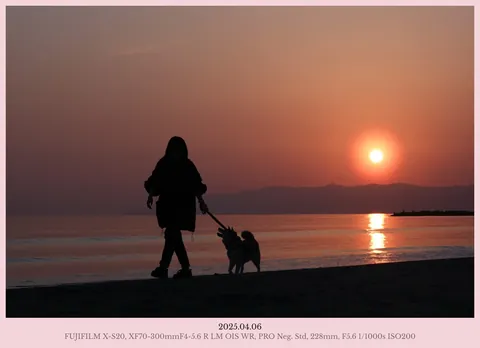
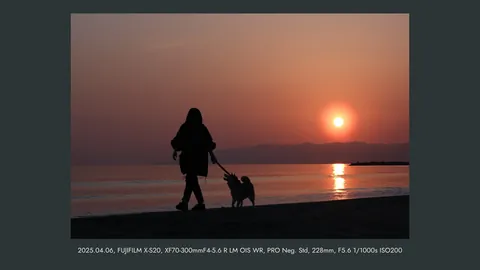
Export straight to the shape each platform wants
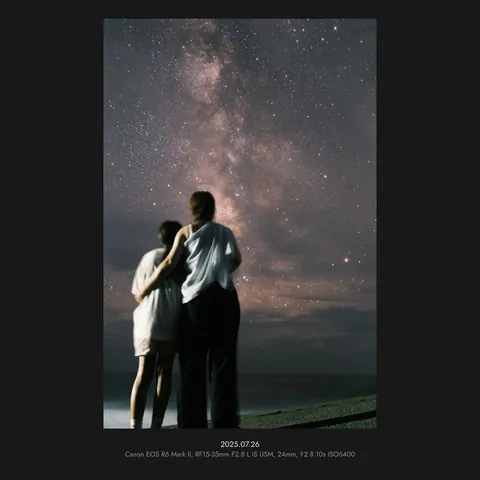
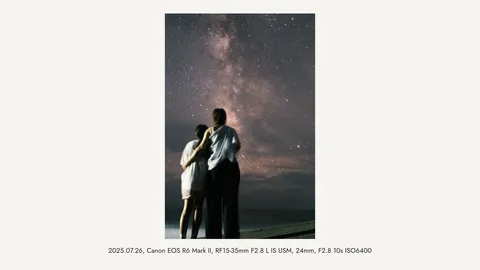
Also: original ratio, 3:4, 2:3 and 1.91:1.
Your photos go nowhere
From opening to exporting, everything happens inside the browser on your phone or computer. Fuchidori’s server has no way to receive a photo.
- No uploads
- Photos and videos never leave your device.
- Location removed on export
- Camera and exposure details stay; GPS is stripped.
- No analytics, ads or cookies
- We have no way of knowing who made what.
Pick, adjust, save
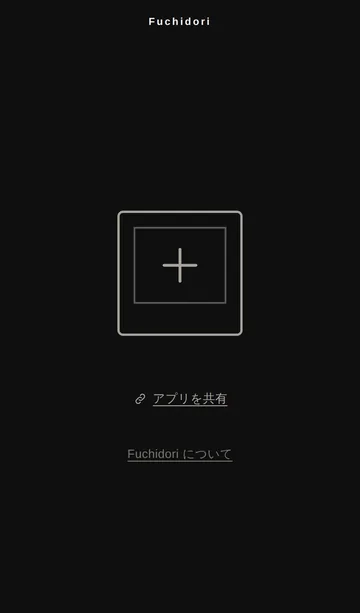
1Pick a photo
Tap the frame in the middle to choose a photo or video. On a computer, drag it in or paste it.
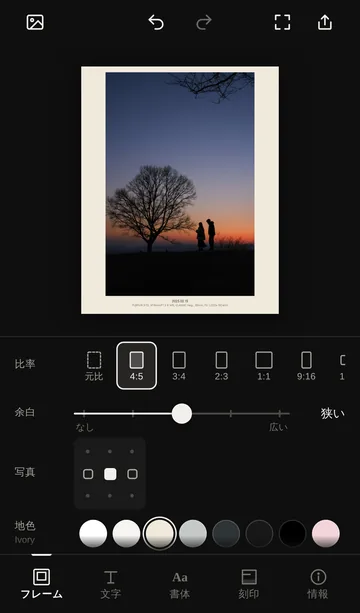
2Adjust
Switch between the tabs at the bottom to set ratio, margin, colour and caption.
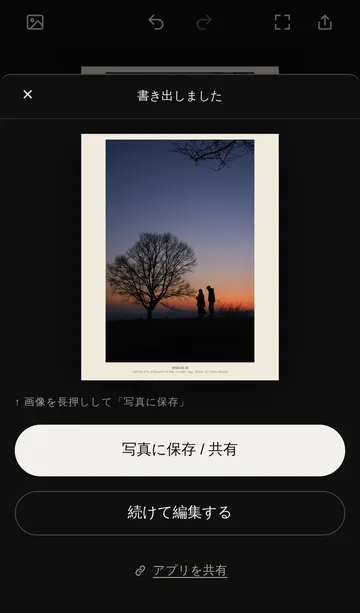
3Save
On iPhone, save to Photos from the share sheet, or send it straight to Instagram or X.
Add it to your home screen and it opens like an app. On iPhone, use Safari’s Share button and choose “Add to Home Screen”. On Android, use Chrome’s menu and choose “Add to Home screen”.
Know someone who takes photos?
If you like it, pass it on. Links show up with a sample image.
Requirements and output
- Browsers
- Safari on iPhone and iPad, Chrome on Android, and Chrome, Edge or Safari on a computer (latest versions recommended)
- Photos
- Exported as JPEG, 4,096 px on the long edge. Shooting details are kept; location is removed
- Videos
- Up to 60 seconds, with the same frame and caption (MP4 at 1,920 px on the long edge; MOV or WebM on some browsers)
- Language
- The app interface is in Japanese
- Price
- Free. No account needed